Turn your lectures into Anki cards — and start remembering them.
Upload a PDF, preview and edit every card, then review the same deck on web or iPhone. Export a standard .apkg anytime.
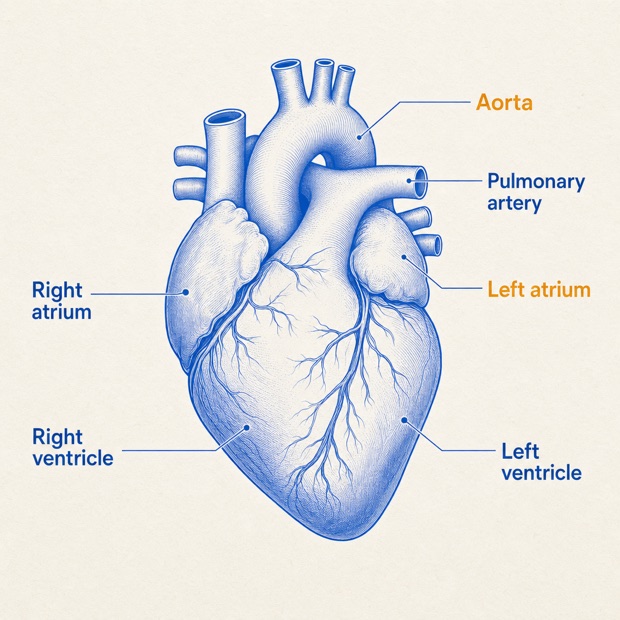
- Preview before signup
- Every card editable
- Standard .apkg export
- Web and iPhone, one deck
One path: your PDF becomes cards you actually review.
Upload and preview your PDF
Try the first pages before signing up. GuruOwl reads your source, drafts atomic cards, and keeps a page reference on every one.
Review and approve every card
Fix the wording, drop the weak ones, keep what you will actually study. Nothing enters your deck until you approve it.
Review the same deck anywhere
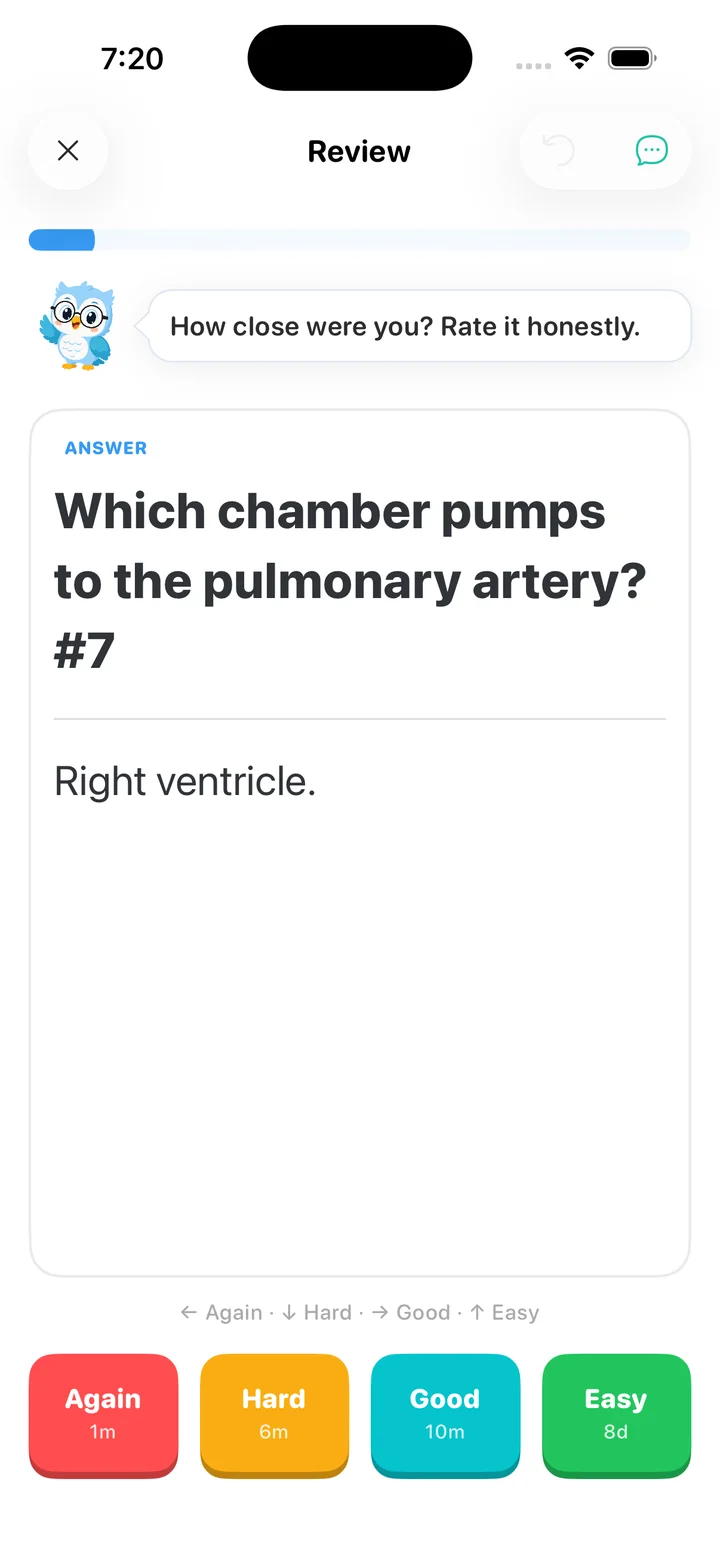
Start spaced review in the browser or open the same deck in the GuruOwl iPhone app — your schedule and progress follow you. Export a standard .apkg whenever you want it elsewhere.
Your deck doesn't stop at the download
The same cards, the same schedule, the same progress — pick up on the web or on your iPhone without re-importing anything. Already an Anki user? Native sync and a standard .apkg keep that door open too.
Native Anki sync
Set a dedicated sync password, point Anki at the GuruOwl sync server, and your collection flows straight in — the real Anki protocol, not a one-off export.
- 1 In Anki: Preferences → Syncing → Self-hosted sync server.
- 2 Paste your GuruOwl sync URL and sign in.
- 3 Hit Sync — your decks appear on the web.
Browse & study on the web
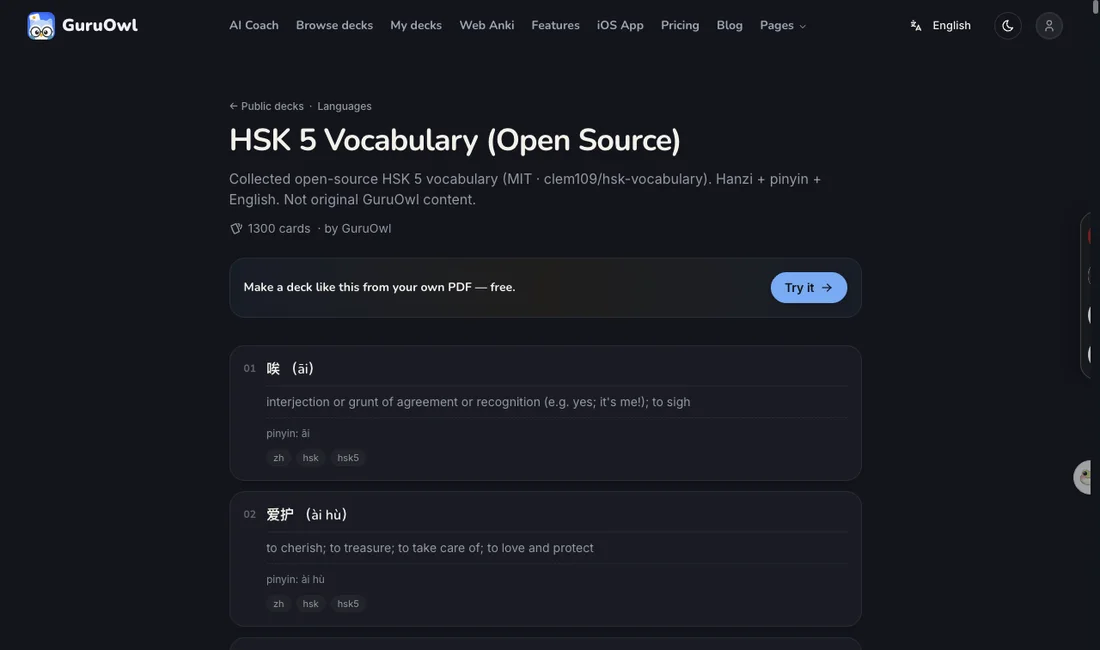
Open your collection in any browser — deck tree, card table, and a faithful render of every card: cloze, image occlusion, your own styling and CSS.
- Your decks, faithfully rendered
- Search across cards and tags instantly
- Nothing to install — it's all in the browser
Standard makes the deck. Expert reads the diagrams.
Start with an editable, exportable Anki deck. Choose Expert when labeled figures should become Image Occlusion cards too.
Fast, editable, source-linked, and ready for .apkg export.
Structured, not flat
Every card carries the mechanism, a clinical correlation, and the high-yield takeaway — the depth AnKing decks are known for.
Expert · Image Occlusion
Expert finds labeled diagrams in your PDF and turns each into masked active-recall cards.
Source-linked and easy to verify
Cards keep a reference back to the page they came from, so you can check any answer against your own source. On Expert medical decks, cards that deviate from board standard are flagged for you to review — never silently rewritten.
Generate in the exact style of a deck you trust
Pick a famous deck — AnKing, MileDown, Core2k — and GuruOwl writes your new cards in its voice: the same cloze patterns, formatting and tags. Not a generic template; the real thing, learned from the deck itself.
Everything around a usable Anki deck
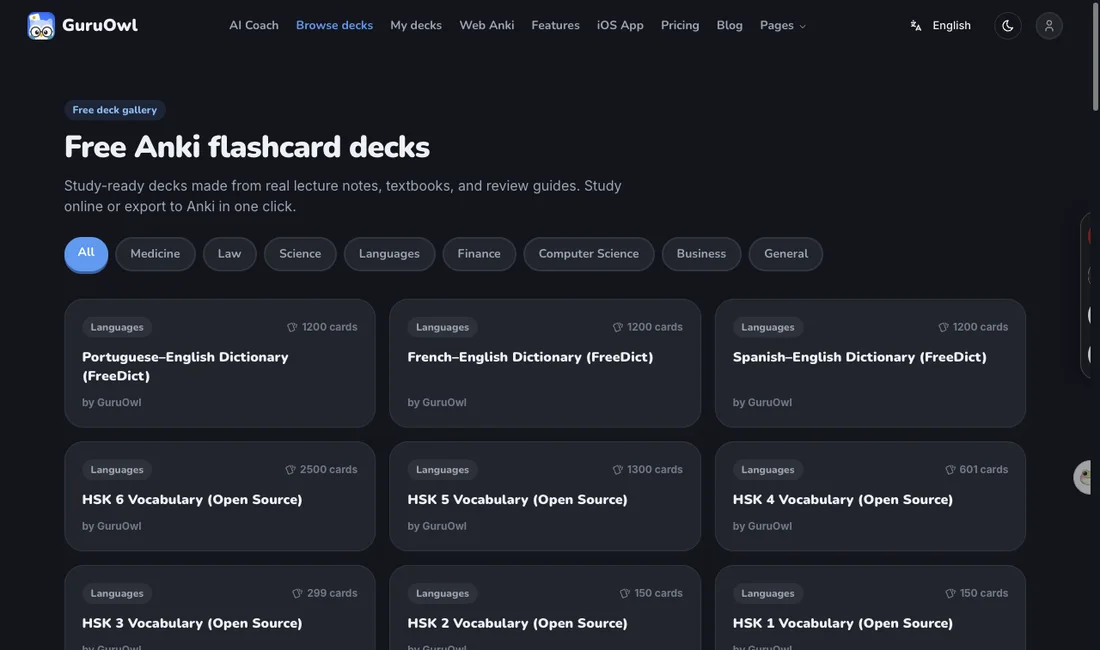
Source-aware generation, inline editing, standard export, sync, and review — without trapping your cards in a chat.
Highlight Detection
AI reads highlighted passages in your PDF and focuses card generation on those areas.
Cloze Deletion
Generates […] fill-in-the-blank cards automatically where appropriate.
Diagram Occlusion
Expert decks find the labeled diagrams in your PDF and mask each label into an image-occlusion card for active recall.
Source Traceability
Each card links back to the original page number, so you can verify the source.
Inline Editing
Edit any card before export. Fix wording, add context, or delete cards you don't need.
Cross-Device
Standard .apkg files work on Anki desktop, AnkiMobile, and AnkiDroid; sync from a client to use the deck on AnkiWeb.
Privacy First
Your documents are used only for card generation. They're not used for training and can be deleted anytime.
Match a deck you trust
Generate in the exact style of AnKing, MileDown or your own deck — cloze patterns, formatting and tags learned from the source.
Native Anki sync
Point real Anki at GuruOwl and hit Sync — your existing collection flows in over Anki's own protocol. No add-on.
Study on the web
Browse and review your decks and cards in any browser, faithfully rendered — cloze, occlusion, your own styling.
Decks for Every Discipline
Common Questions
Can't find what you need? Reach out to our support team.
Why not just use ChatGPT?
You can — and it's fine for a one-off explanation. The difference is GuruOwl is built around your goal, not a single chat: it turns your material into atomic, Anki-formatted cards tuned to what's testable, exports a real .apkg, and then actively grills you and spaces reviews so it sticks. ChatGPT explains it once; GuruOwl makes you remember it.
Does the AI actually see my highlights?
Yes. We detect highlighted regions and annotations in your PDF. The AI uses them to prioritize which content to turn into cards. If your PDF has no highlights, the AI generates from the full text instead.
How accurate are the generated cards?
The quality is generally good for structured content like textbooks and study guides. For complex or ambiguous material, you'll want to review the output — that's why we include a split-screen review step.
Can I export to Anki directly?
Yes. We export standard .apkg files with proper field mappings and Cloze deletion support. Import directly into any Anki client — desktop, mobile, or web.
Can it make image-occlusion cards from my diagrams?
Yes — on the Expert tier. GuruOwl finds the labeled diagrams in your PDF (anatomy plates, schematics) and turns each into an image-occlusion card with its labels masked, alongside richer mechanism / clinical detail on every card. Pick Expert on the generate panel; it costs 3 credits per page versus 1 for Standard.
Turn one PDF into a deck you can keep.
Preview real cards before signup, then edit, export, sync, and review the finished deck wherever you study.

Review your Anki decks on iPhone
Import .apkg and .colpkg decks for free. Daily review is free, too.
Editing and cross-device sync require Pro.
Get Guru for iPhone